Password Best Practices
Create strong passwords and manage them securely to protect your accounts
Password Security Essentials
Strong passwords are your first line of defense against unauthorized access
Creating Strong Passwords
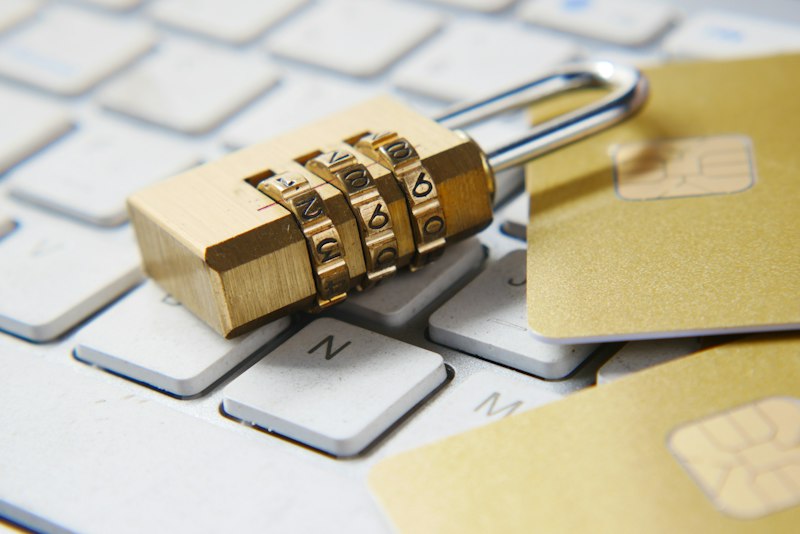
Password Requirements:
- At least 12-16 characters long
- Mix of uppercase and lowercase letters
- Include numbers and special characters
- Avoid dictionary words and common phrases
- Use unique passwords for every account
What to Avoid
Common Password Mistakes:
- Using "password", "123456", or keyboard patterns
- Reusing the same password across multiple sites
- Using personal info (birthdays, names, pets)
- Simple substitutions (like P@ssw0rd123)
- Writing passwords on sticky notes or plain text files
Critical: Never reuse passwords. If one account is breached, your entire digital life is at risk.
Password Managers
Benefits:
- Generates complex passwords for you
- Stores everything in an encrypted vault
- Auto-fills logins to prevent phishing
- Syncs across phone, tablet, and computer
Recommended: Bitwarden, 1Password, or LastPass.
Two-Factor Authentication
Enable 2FA/MFA:
- Adds an essential second layer of security
- Prevents login even if your password is stolen
- Use apps like Google Authenticator or Authy
- Hardware keys (YubiKey) offer the highest security
Password Creation Tips
Method 1: Passphrase
Combine multiple random words:
Example: "Coffee-Mountain-Sunset-42!"
- Hard for computers to guess, easy for you to remember
- Aim for 4-6 random words
Method 2: Generator
Let technology do the work:
- Use the generator inside your password manager
- Set length to 16+ characters
- Ensure "Symbols" and "Numbers" are checked
12+
Min. Characters
100%
Unique Passwords
2FA
Enabled Everywhere
Best Practice: Use a password manager to generate and store unique, strong passwords. It is the single most effective step you can take for your security.
Deep Dive: Visit our Deep Dive page to learn more about advanced safety measures and settings.
References & Sources
NIST - Digital Identity Guidelines View Guide
CISA - Choosing and Protecting Passwords cisa.gov
FTC - Password Security Tips consumer.ftc.gov
National Institute of Standards and Technology (NIST) - "Digital Identity Guidelines."
pages.nist.gov/800-63-3/sp800-63b.html
Cybersecurity and Infrastructure Security Agency (CISA) - "Choosing and Protecting Passwords."
cisa.gov/secure-our-world
Federal Trade Commission (FTC) - "Password Security."
consumer.ftc.gov/articles/password-security
FBI Internet Crime Complaint Center (IC3) - "Account Takeover."
ic3.gov/Home/AccountTakeover
National Cybersecurity Alliance - "Search for Password Security."
staysafeonline.org/online-safety-privacy-basics/passwords
Note: This website is for educational purposes only. Information is aggregated from publicly available sources.
Educational resource only. Always verify with official cybersecurity organizations.